(support@attackshark.com)



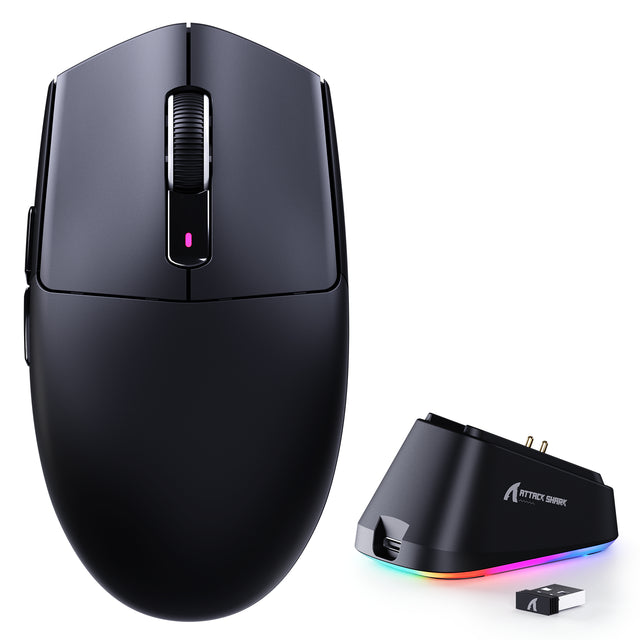
ATTACK SHARK X11 Wireless Gaming Mouse with Charging Dock
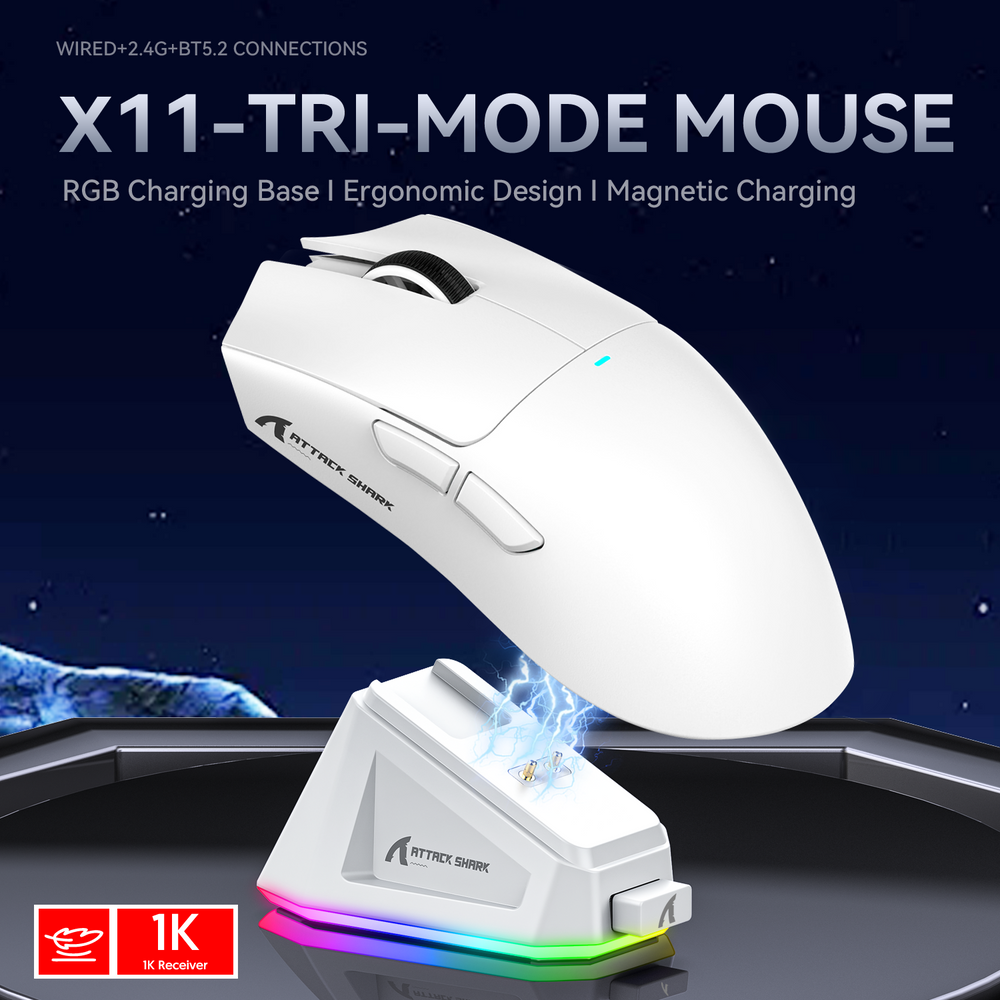
- Magnetic Charging Dock
- Pro-Grade 3311 Gaming Sensor
- Versatile Tri-Mode Connectivity
- Feather-Light 63g Design
- Durable 20 Million Clicks
- Extended 65-Hour Battery Life
- Tactile TTC Encoder
- Customizable Driver Software
In stock
Online ordering is currently unavailable.
Technical specifications
- Model
- X11
- Connection
- Wired/2.4G/BT5.2
- Size
- 128*64*40mm
- DPI
- 800-22000
- Weight
- 63g±3g
- Sensor
- PixArt PAW3311
- Huano switch
- White Spots 20 million times
- Battery capacity
- 300mAh
- Accelerated speed
- 40G
- Movement speed
- 400IPS
- Color
- Black/White/Red
Downloads
PRODUCT COMPARISON
| Model | X11 | X11SE Check It Out |
|---|---|---|
| Sensor | PAW3311 | |
| MCU | BK52820 MCU | |
| Micro Switch | HUANO Micro Switch: 20 Million Clicks | HUANO Micro Switches: 20 Million Clicks |
| Scroll Wheel | TTC Scroll Wheel: 30K Scrolls | F-SWITCH Scroll Wheel: 30K Scrolls |
| Polling Rate | 1000 Hz | |
| DPI | 22000 | |
| Max Acceleration | 40G | |
| Max Tracking Speed | 400 IPS | |
| Charging Dock | RGB Magnetic Charging Dock | No |
| Software Support | Web-based Configurator & PC Software | |
| Receiver | NANO Receiver | |
| Connection Method | Bluetooth / 2.4GHz Wireless / Wired | |
| Battery | 300 mAh | |
| Mouse Feet | PTFE Skates | |
| Dimensions | 128 x 64 x 40 mm | |
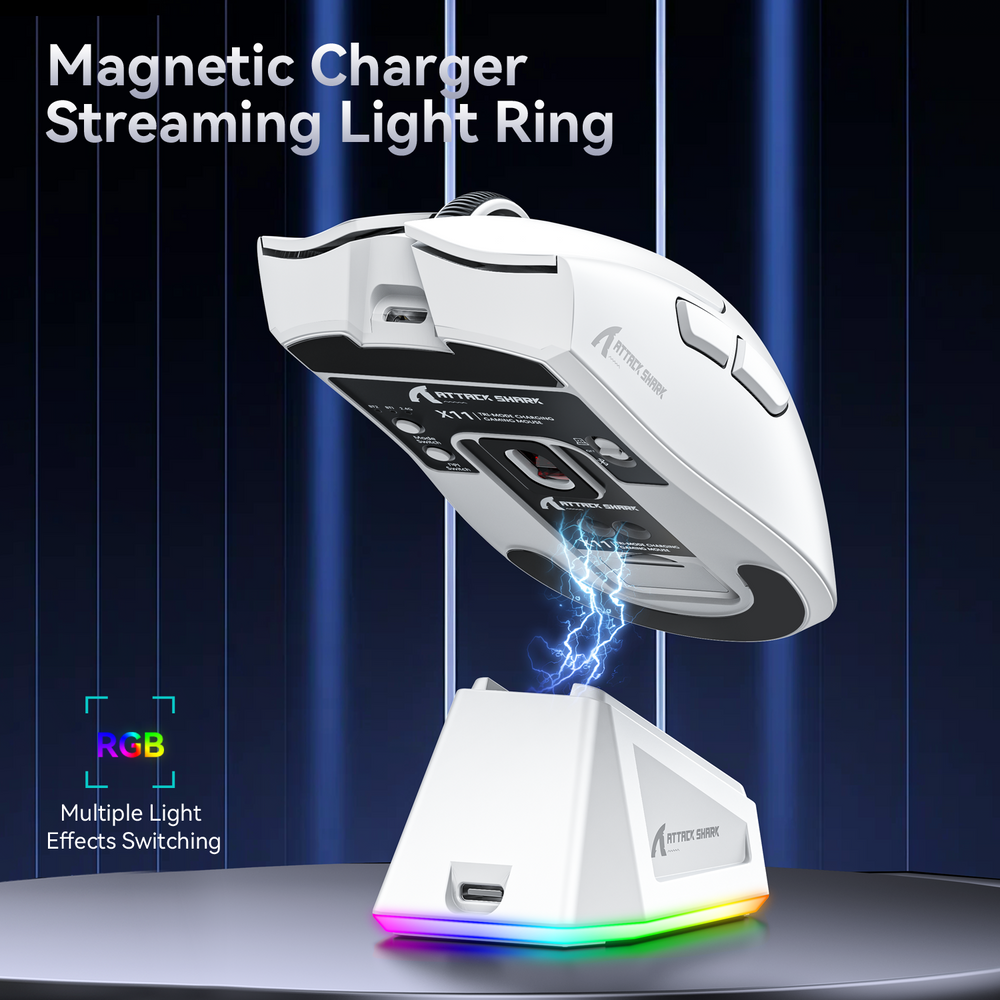
Magnetic Charging Dock
Convenient and fast magnetic design. Simply place your X11 mouse on the dock, and it's always charged and ready for any adventure.
A touch switch on the charging base allows you to cycle through stunning lighting effects with a simple tap.
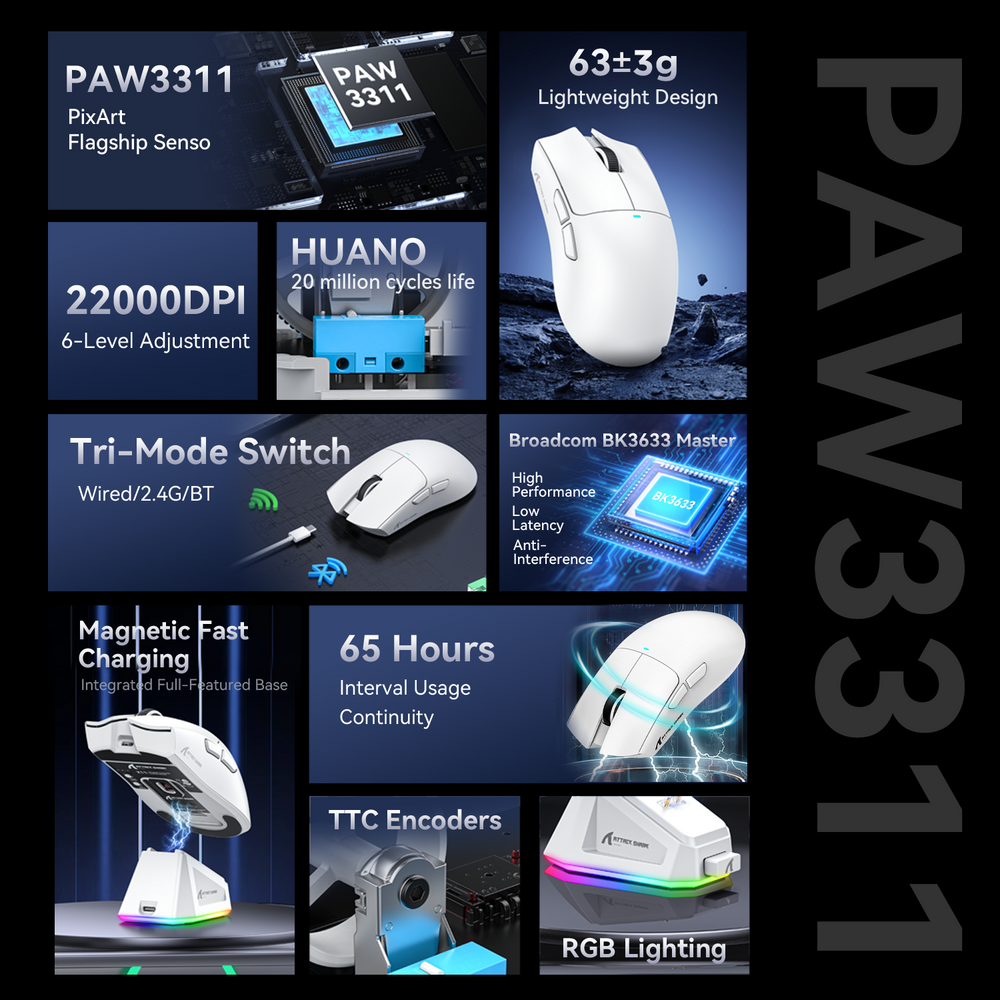
Pro-Grade 3311 Gaming Sensor
The X11 gaming mouse is equipped with the flagship PixArt 3311 sensor, offering a DPI of up to 22,000 with 6 adjustable levels. Whether for daily work or professional gaming, the X11 meets your needs with precision.
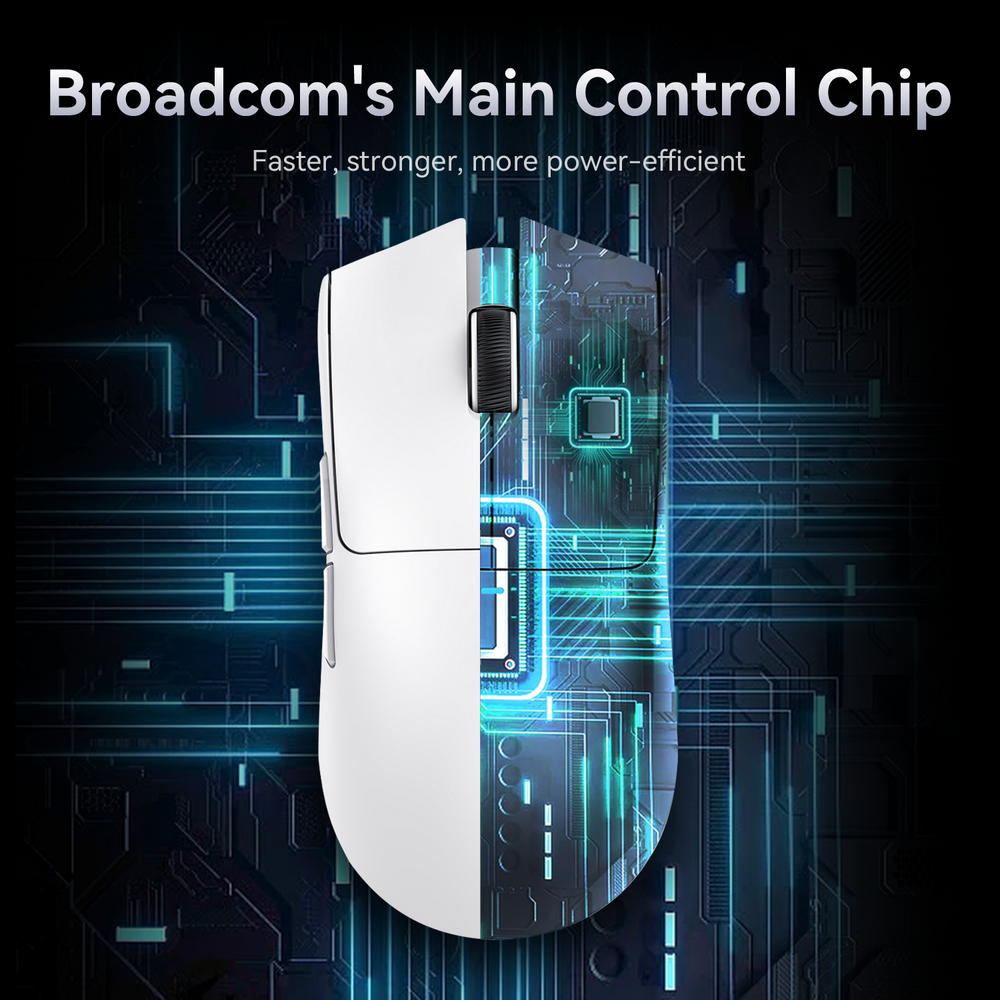
Versatile Tri-Mode Connectivity
To meet the demands of different scenarios, the high-performance X11 mouse features a BK3633 chip, providing three connection modes: wired USB-C, lag-free 2.4GHz, and versatile Bluetooth. Switch effortlessly via the button on the back.
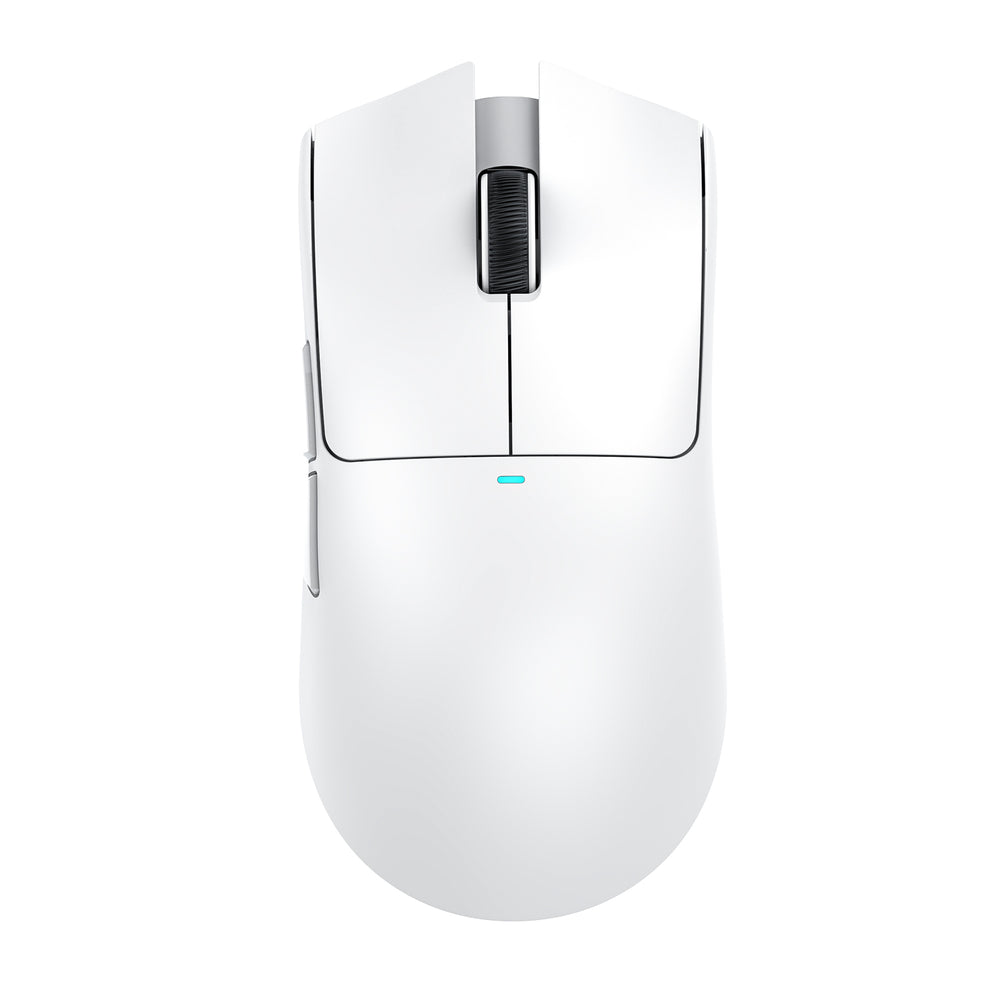
Feather-Light 63g Design
Utilizing innovative liquid nitrogen cooling injection molding, the X11's weight is reduced to a mere 63g. This ultra-light design allows for faster mouse movements, quicker reactions, and reduced fatigue during long gaming sessions.
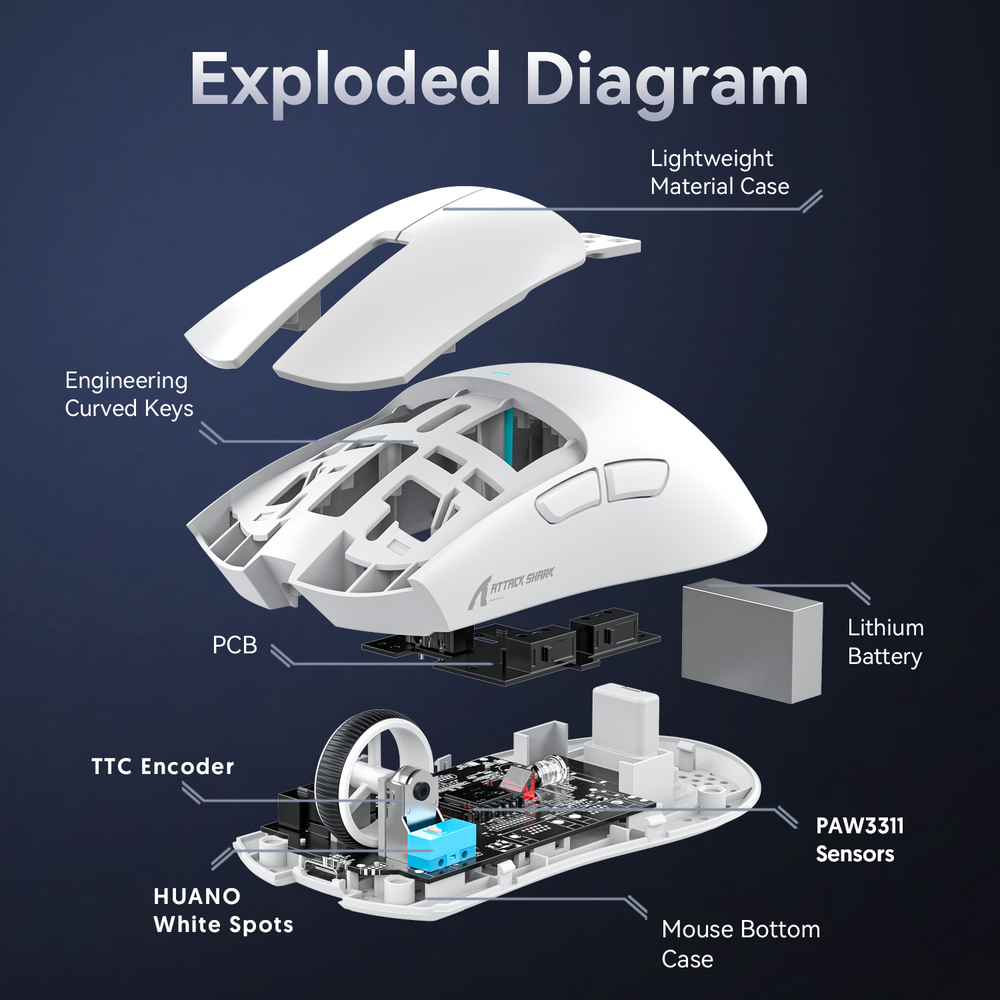
Durable 20 Million Clicks
Equipped with robust HUANO micro-switches, this ultra-durable mouse eliminates double-clicks. Optimized for a soft, tactile feel, it boasts a lifespan of 20 million clicks, ensuring reliability for years to come.
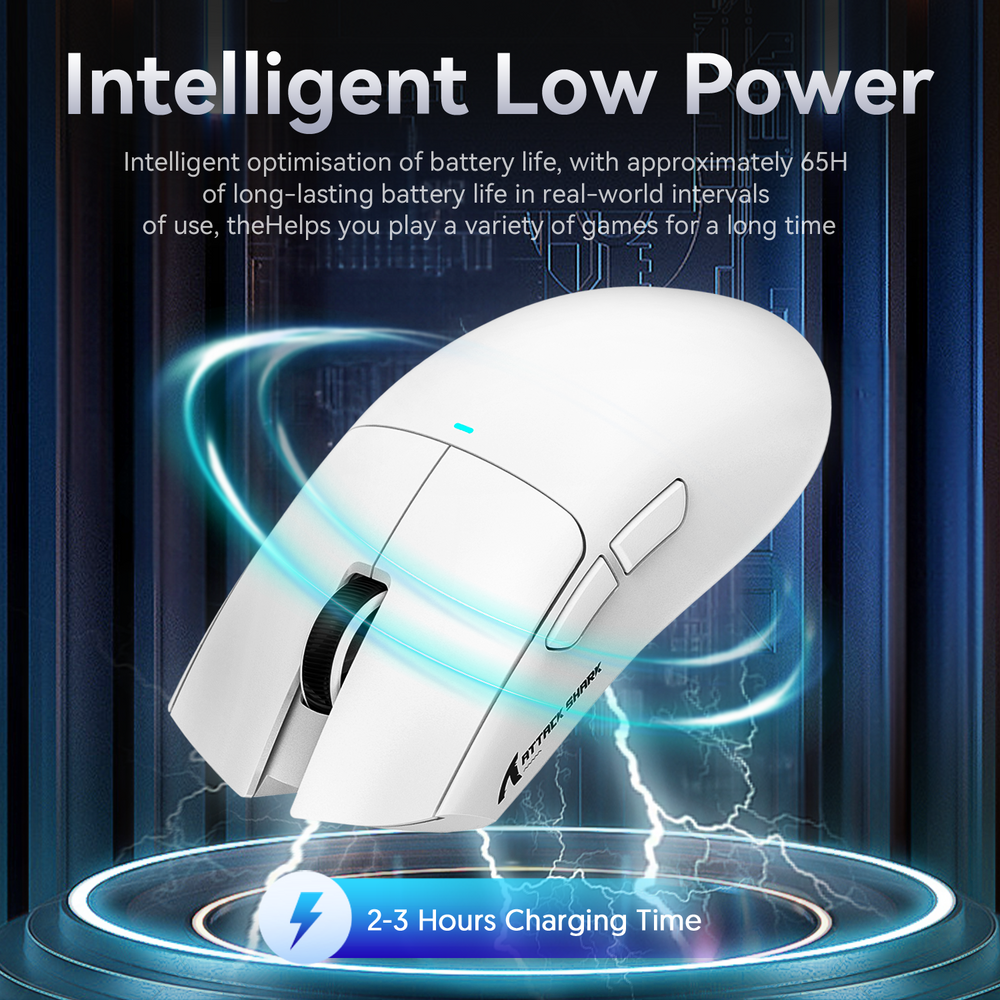
Extended 65-Hour Battery Life
The rechargeable X11 mouse offers an ultra-long battery life. A full charge takes just 2-3 hours and provides up to 65 hours of use, empowering you to dominate in extended gaming marathons without interruption.
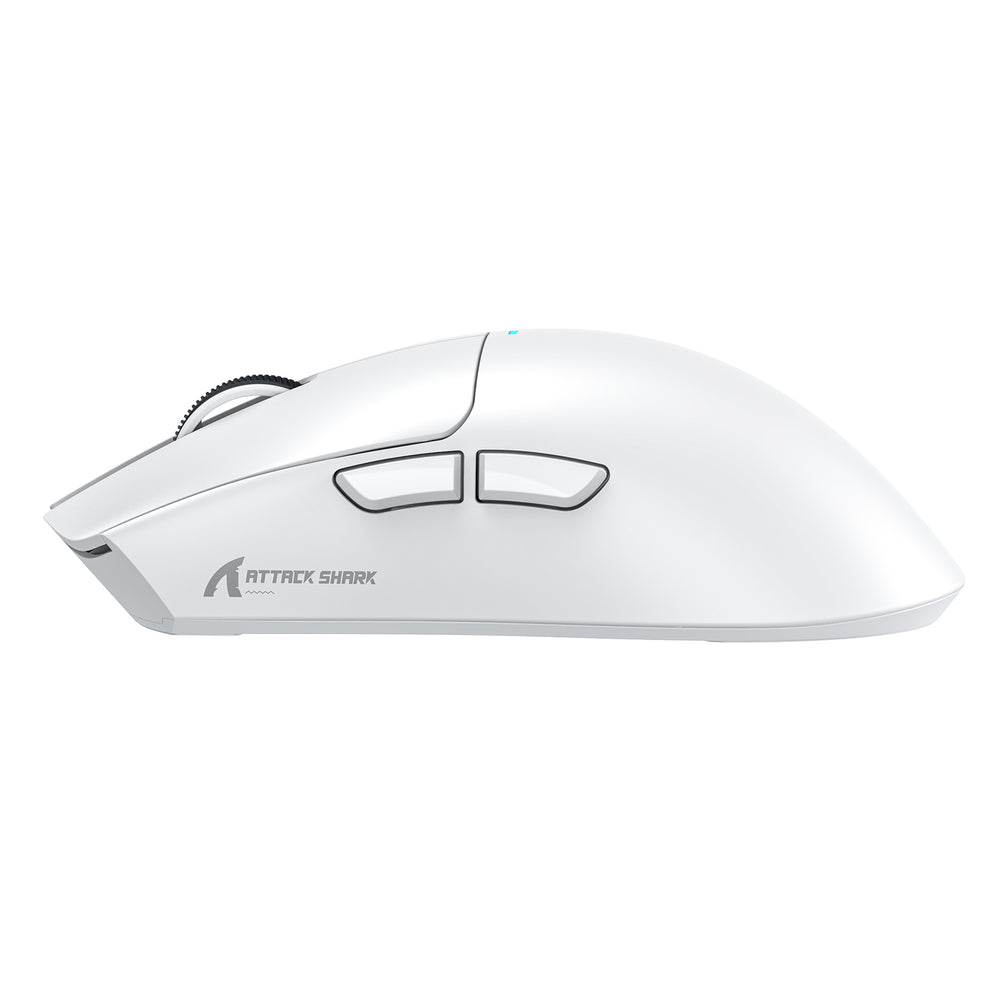
Tactile TTC Encoder
The X11's scroll wheel features a TTC encoder, expertly calibrated for a crisp, tactile feel and faster rebound. The strong sense of scale is perfect for FPS games, letting you switch weapons a step ahead of the competition.
Customizable Driver Software
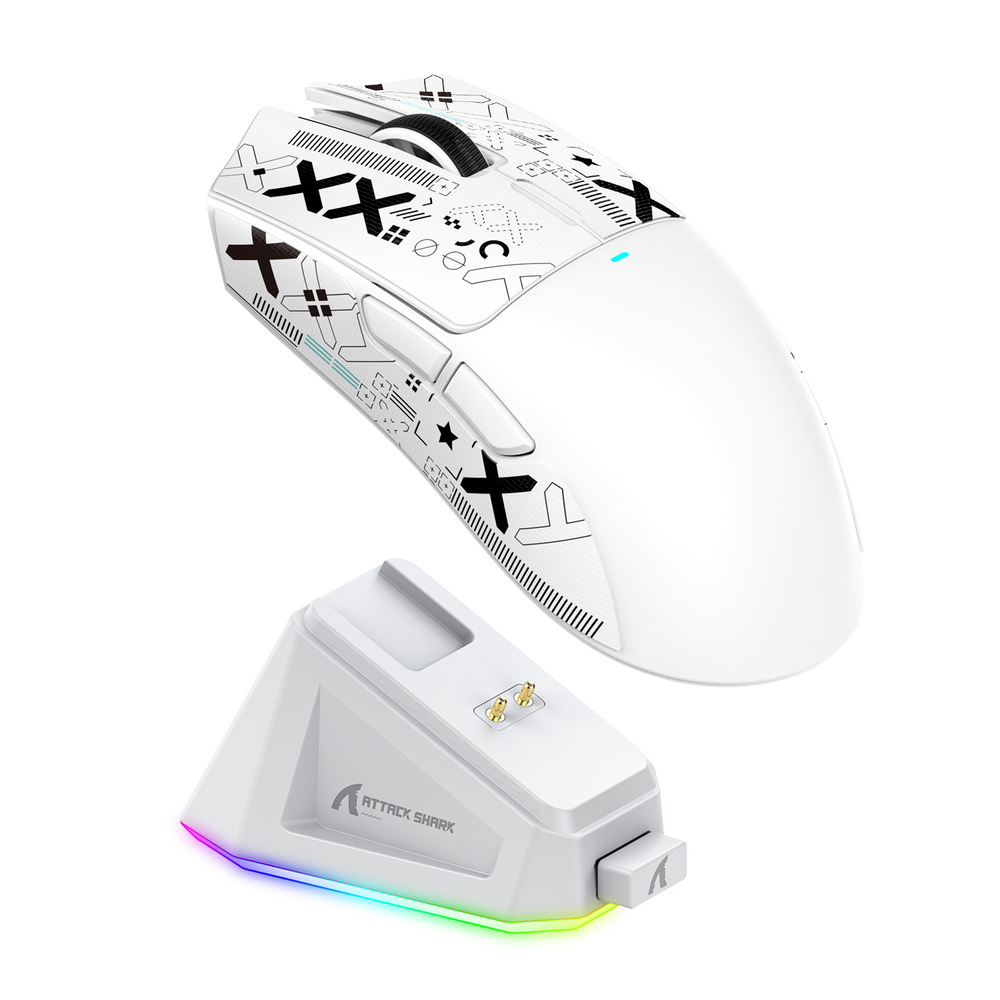
Unlock the full potential of your X11 with our proprietary driver software. Fine-tune settings like DPI, polling rate, and program custom macros to unleash complex combos with a single click and become a gaming master.
Comfortable Ergonomic Design
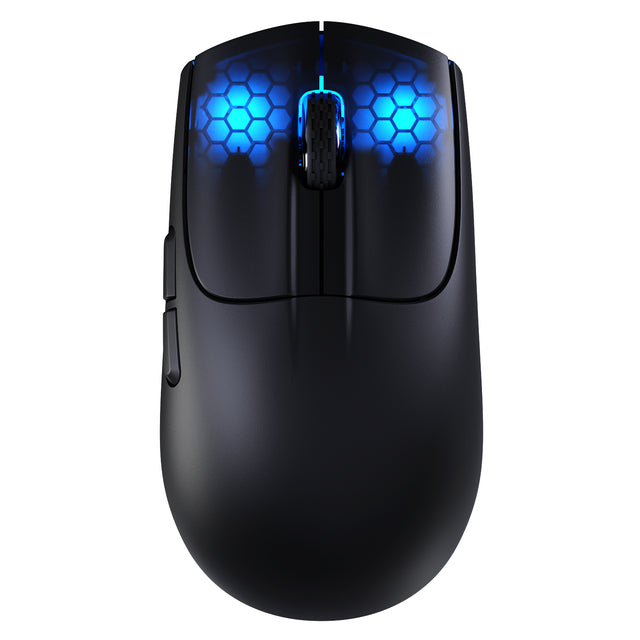
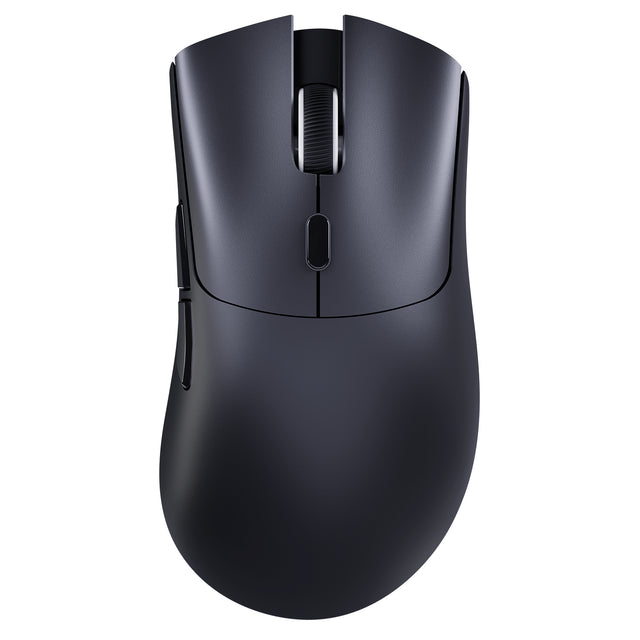
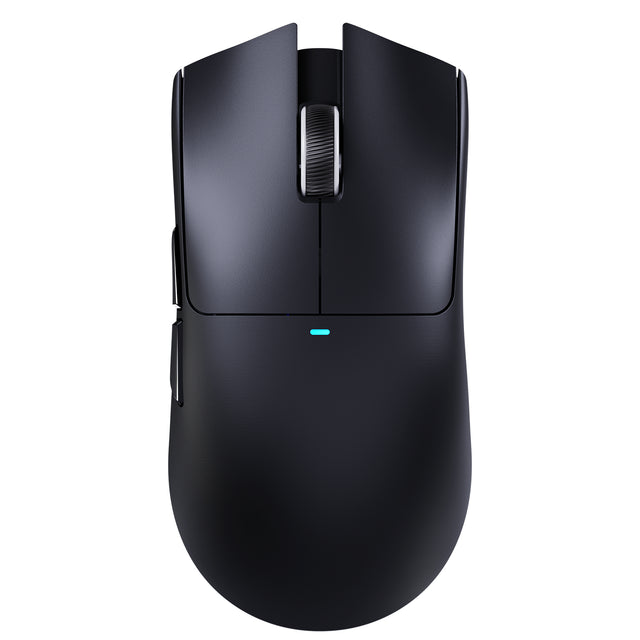
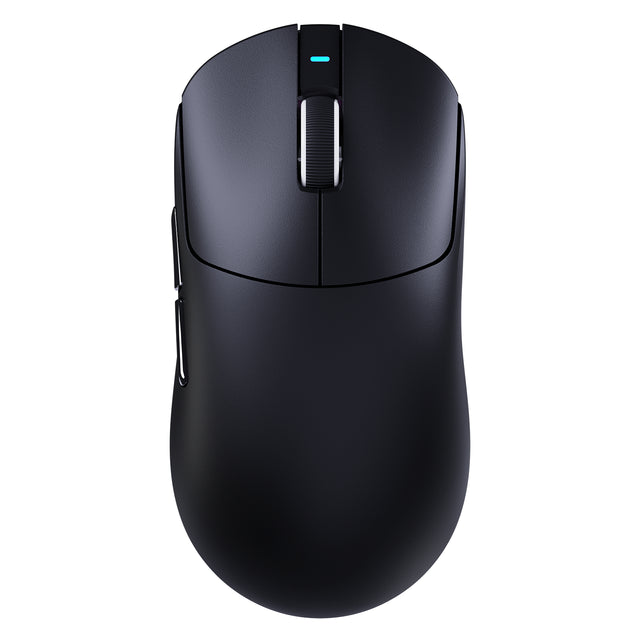
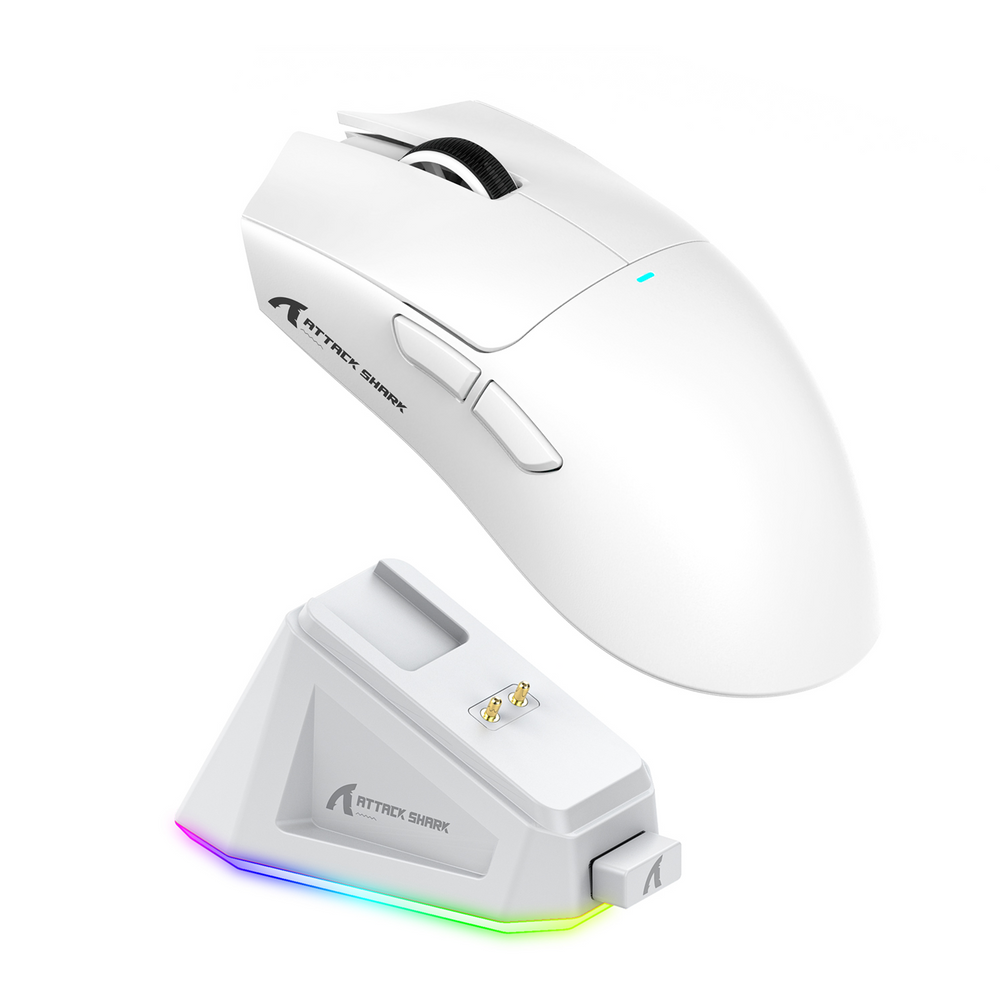
Unlike honeycomb mice, the X11 achieves its light weight without sacrificing a solid shell. This design accommodates various grip styles—palm, claw, and fingertip—to provide the most comfortable and secure feel for every gamer.
Universal Compatibility
The X11 ultra-light mouse is widely compatible with Win7/8/10/11, Mac, Android, Xbox, and other operating systems. If you encounter any issues, please contact our support team, and we will resolve your problem within one business day.
FAQ
Can I plug the receiver directly into the charging dock to use the mouse wirelessly?
Yes, absolutely. That is exactly what the USB port on the charging dock is designed for.
Can the lighting on the charging dock be turned off?
Yes, you can turn off the lighting completely by long-pressing the button located on the dock.
Why is my mouse not being recognized by the software?
Please try closing any conflicting background software, then reinstall the driver software to try again.
Can I change the light color on the charging dock?
Yes, you can easily switch between different lighting colors and effects using the button located on the bottom of the dock.
Does the charging dock display the exact battery percentage?
No, this current version does not support a percentage display. You can check the detailed battery status inside the driver software instead.
Which software does the X11 use, and where do I get it?
Get the ATTACKSHARK X11 Software from the Downloads section, or open the Web Driver in your browser. Either one lets you fine-tune DPI and polling rate and program macros that fire complex combos with a single click. Download the ATTACKSHARK X11 Manuals from the same section for setup help.
How much does the X11 weigh?
The ATTACK SHARK X11 weighs 63g. The X11 is made with liquid nitrogen cooling injection molding, which keeps it that light while leaving the shell solid, with no honeycomb holes. The solid shell supports palm, claw and fingertip grips. A light mouse like this makes faster movements and quicker reactions easier during long gaming sessions.
What sensor does the X11 use?
The X11 uses a PixArt PAW3311 sensor with up to 22,000 DPI across 6 adjustable levels. It tracks at 400 IPS with 40G acceleration. Set each of the six DPI levels in the X11 software to match your in-game sensitivity, then switch between them while you play.
What polling rate does the X11 support?
The X11 supports polling rates from 125Hz up to 1000Hz. Change the rate in the X11 software or the Web Driver, next to your DPI settings. Its PAW3311 sensor is built for both daily work and professional gaming. Pick 1000Hz when you want the fastest reports the X11 offers.
Should I choose the X11 or the X11 SE?
The X11 includes an RGB magnetic charging dock, and the X11 SE comes without one. The X11 also uses a TTC scroll wheel encoder, while the X11 SE uses an F-Switch scroll wheel. The two share the PAW3311 sensor at up to 22,000 DPI. Choose the X11 if you want to drop the mouse on a dock to charge, and the X11 SE if you are happy charging over the cable.
What are the official dimensions of the X11?
The ATTACK SHARK X11 measures 128 x 64 x 40 mm. Its ergonomic shape suits medium to large hands in palm, claw or fingertip grips. Choose the X11 if you want an ergonomic mouse with a solid shell rather than a honeycomb design at 63g.
Product descriptions and technical specifications may change or differ by region. Please confirm the exact box contents and any technical details you rely on with customer support before ordering. Customer support
You may also like