
 (support@attackshark.com)



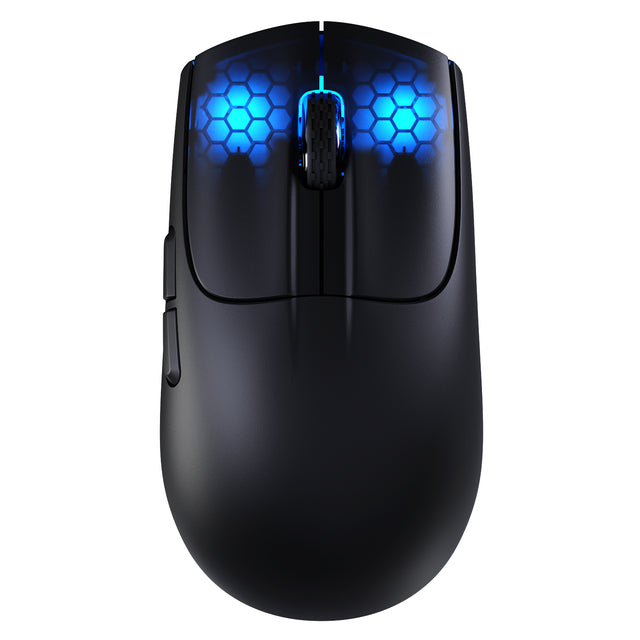

Gaming Mouse | Wireless | Superlight | Ergonomic
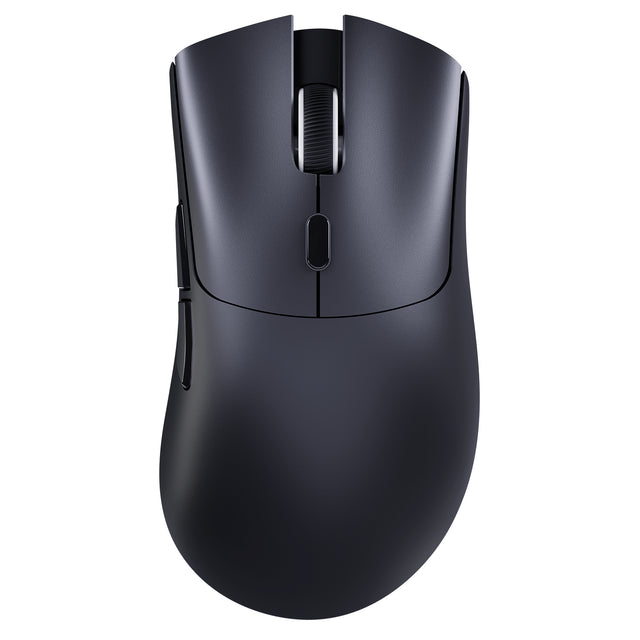
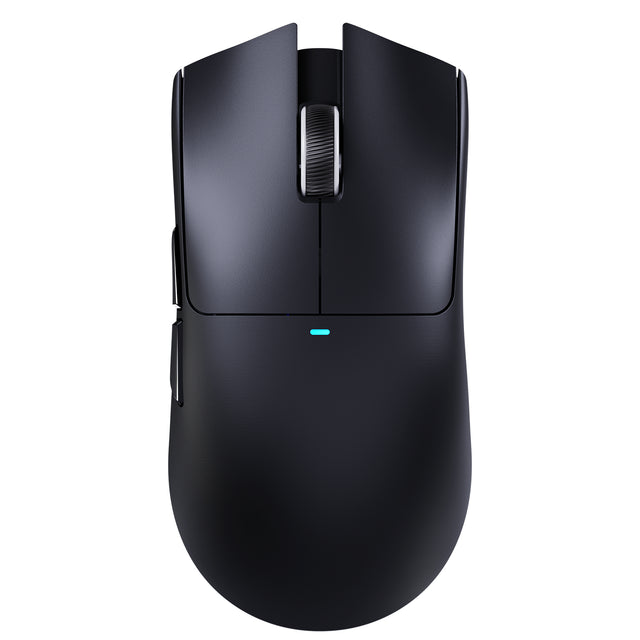
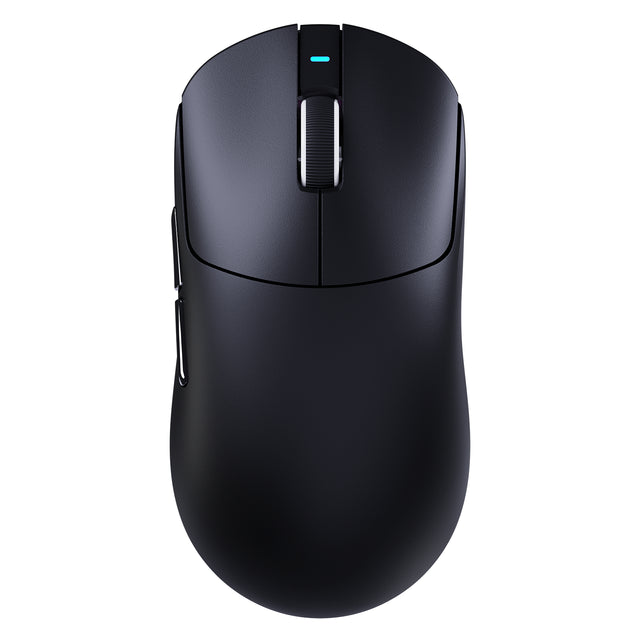
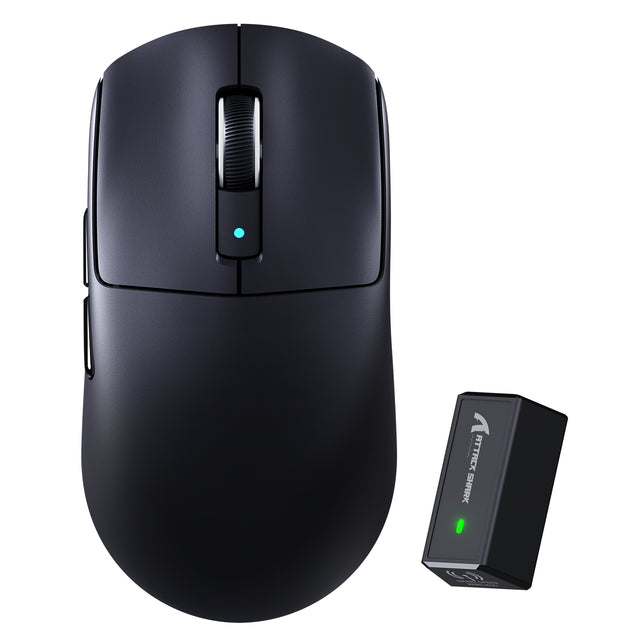
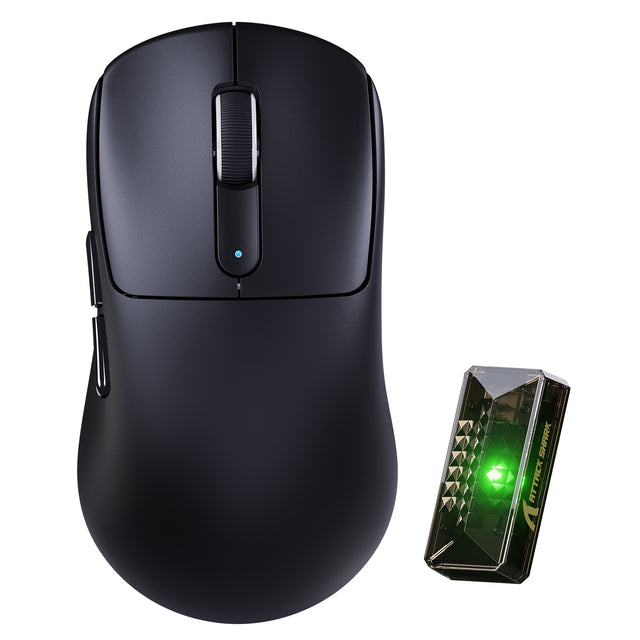
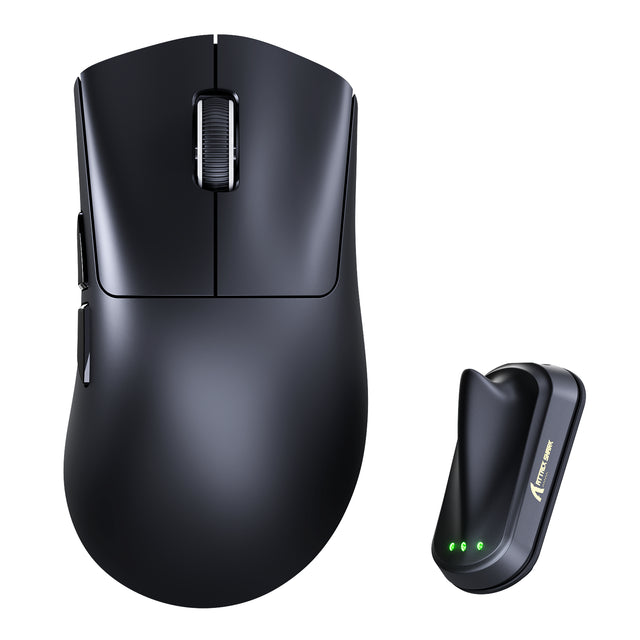
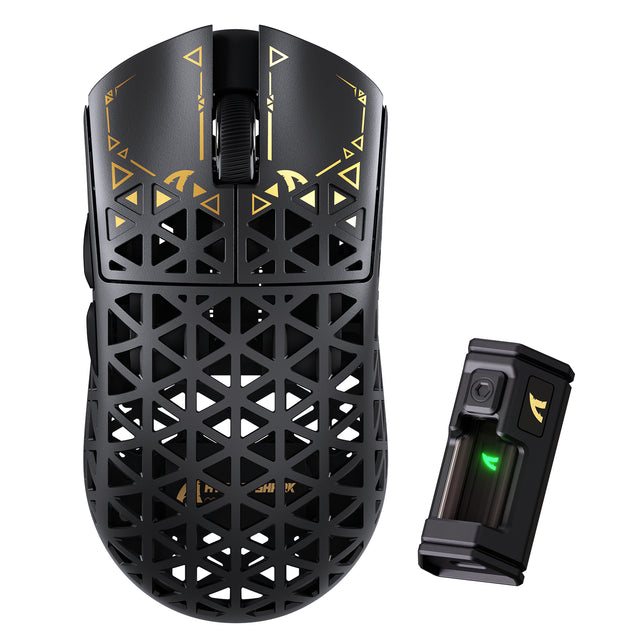
FAQ about Gaming Mouse | Wireless | Superlight | Ergonomic
What DPI should I use for gaming?
DPI controls how far the pointer travels for a given physical movement. Pick a setting that gives you comfortable, repeatable aim, then fine-tune in-game sensitivity. The DPI filter lists the maximum supported setting for each mouse.
What does polling rate mean?
Polling rate measures how often the mouse reports to the computer. A higher rate can shorten the time between reports. Check the product specifications for the rates supported by each connection mode.
Which mouse shape works with my grip?
Palm grips tend to suit shapes that support the whole hand. Claw grips often work well with a defined rear hump, while fingertip grips can benefit from a shorter, lighter shell. Compare dimensions and weight on each model page.
Should I use Bluetooth or a 2.4 GHz receiver?
Bluetooth is convenient for devices with built-in support. A dedicated 2.4 GHz receiver generally provides lower latency for gaming, and may support a higher polling rate.
How can I find out which switches a mouse uses?
Look for the main-button switch in the model’s specifications. The range includes models with optical Omron switches and models with mechanical HUANO switches.
What should I check if the USB receiver is unresponsive?
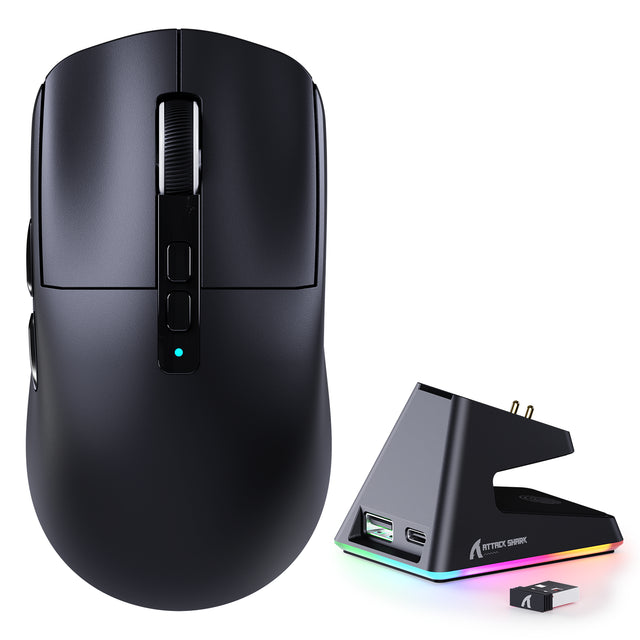
Try a different port directly on the computer, then test on another device if possible. Confirm the mouse is charged and switched to receiver mode before following the model’s pairing instructions. Contact support
Which receiver comes with the X3 Pro?
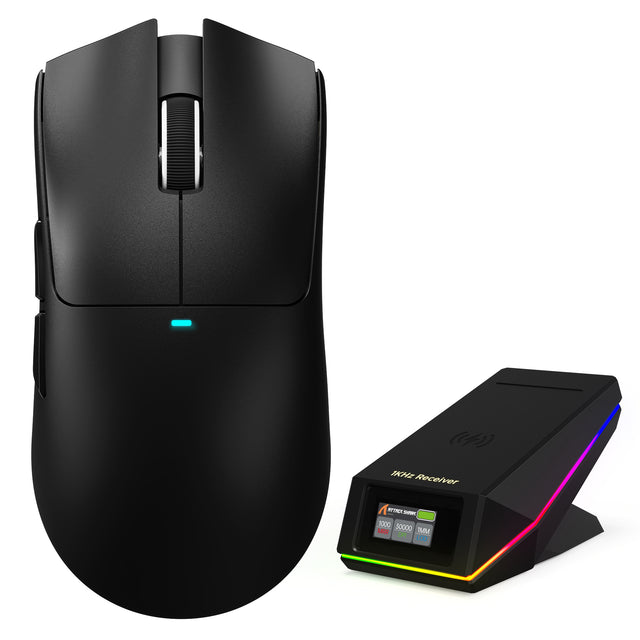
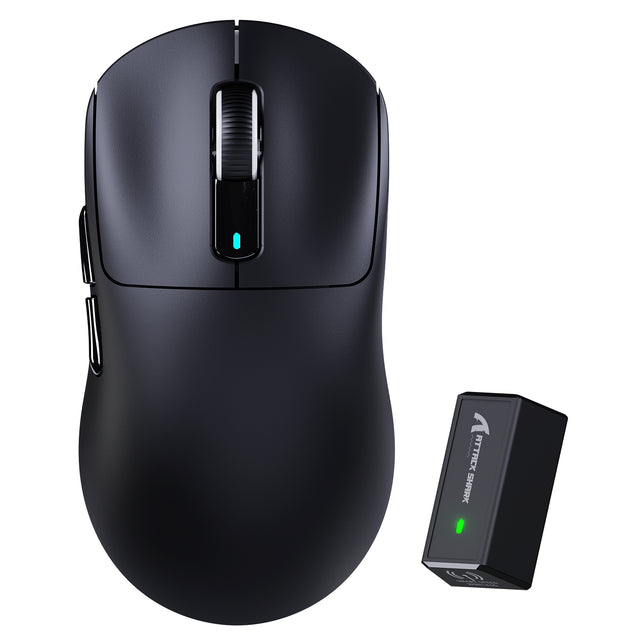
Receiver packaging can vary by product version. Check the box contents for the exact X3 Pro, R3 or R2 option before ordering. The 8K receiver is larger than the standard USB dongle.
Where can I find mouse drivers and manuals?
Search by model on the Attack Shark downloads page and select the driver or manual for your version. Find drivers and manuals
Why am I measuring less than 8,000 Hz?
Check that your mouse, receiver and connection mode support 8K, and confirm the rate in the driver. Results can also vary with the computer, application and how you run the test.
How do I troubleshoot unintended double-clicks?
Use a mouse button tester to check whether a single press registers twice. Check your operating system’s double-click settings and any debounce option supported by your model. Contact support