
 (support@attackshark.com)



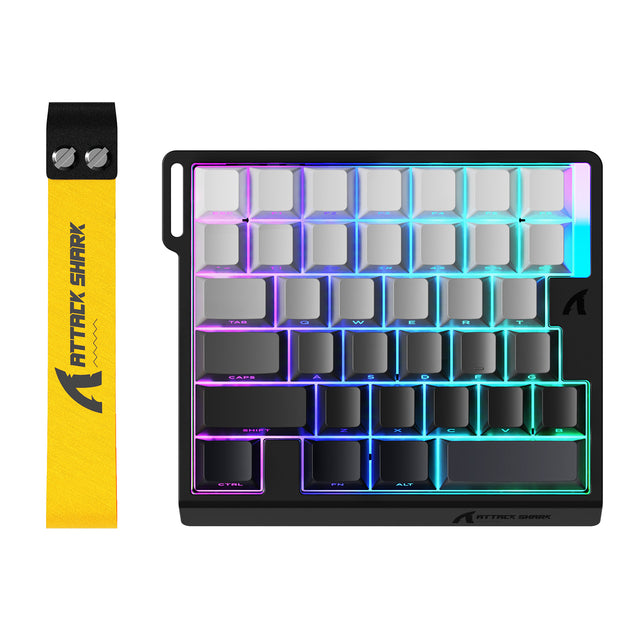

Gaming Keyboards
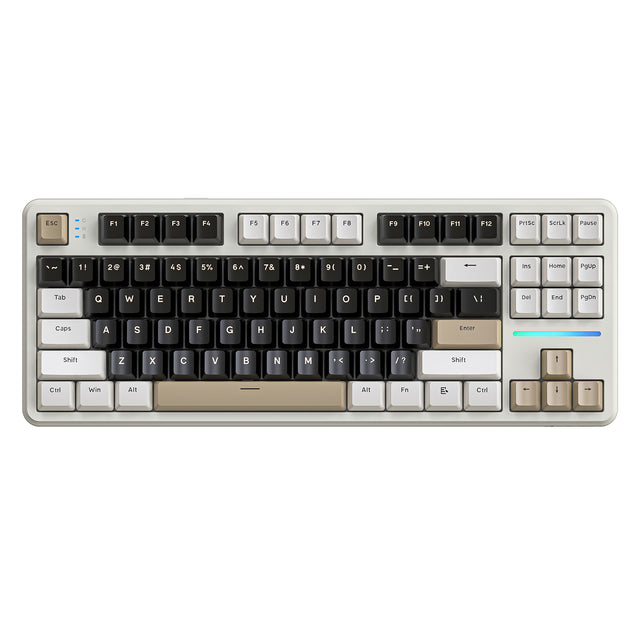
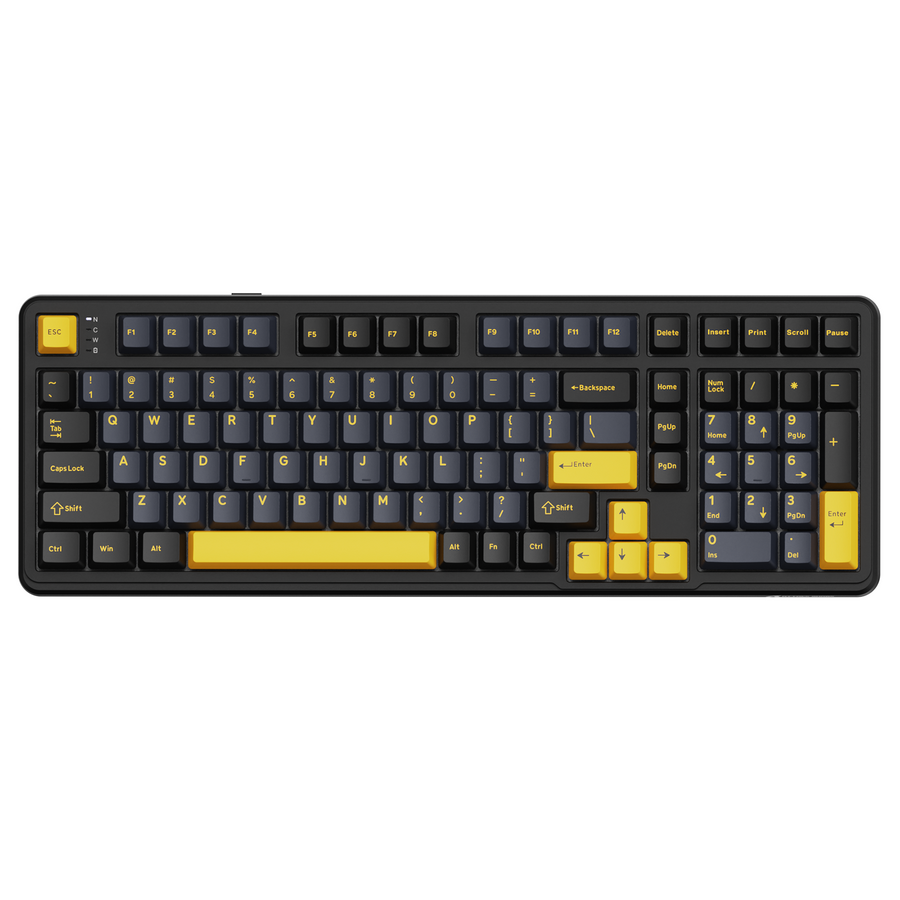
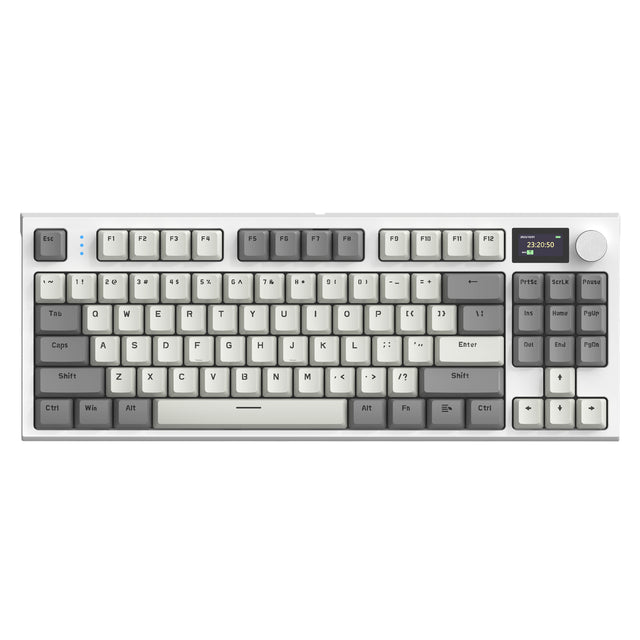
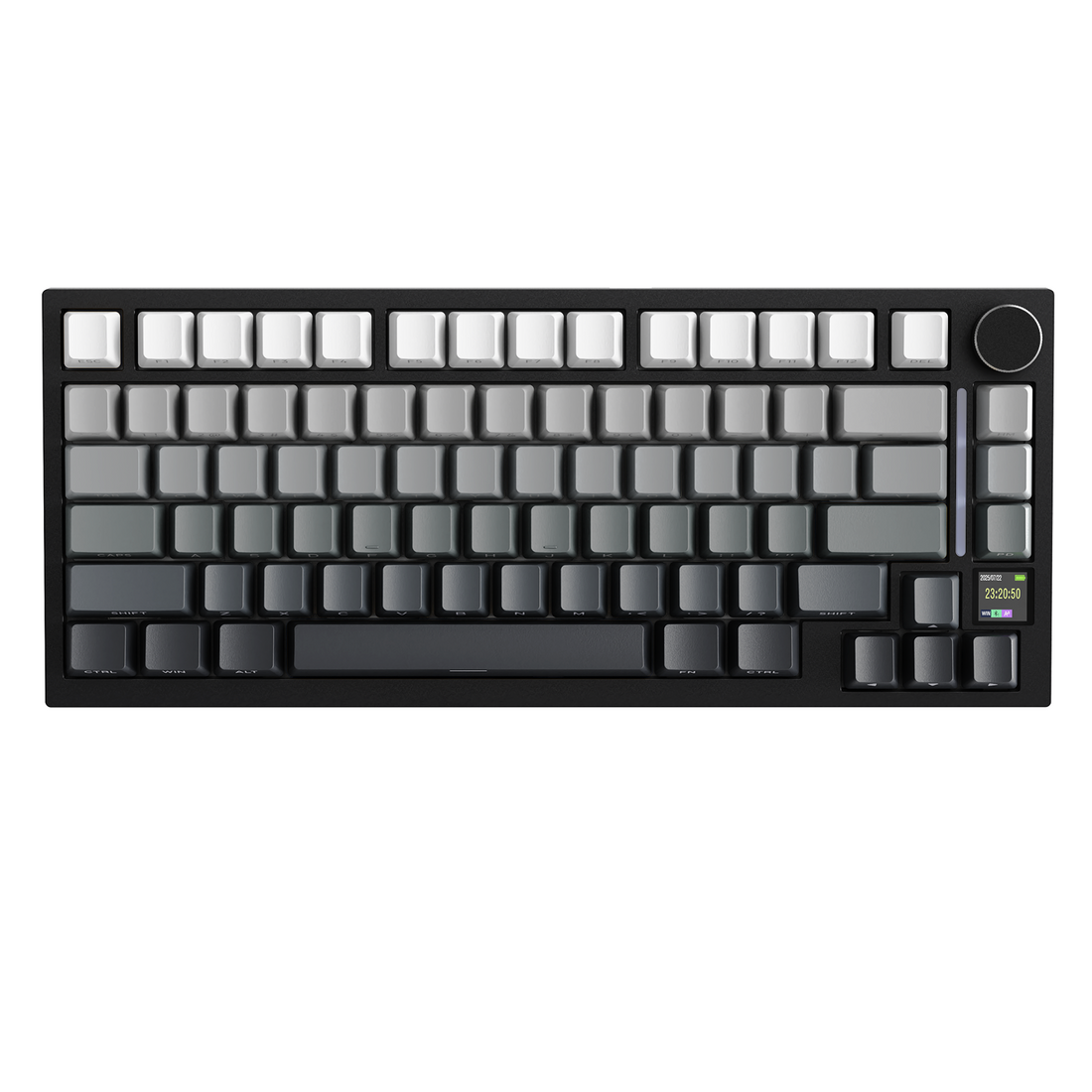
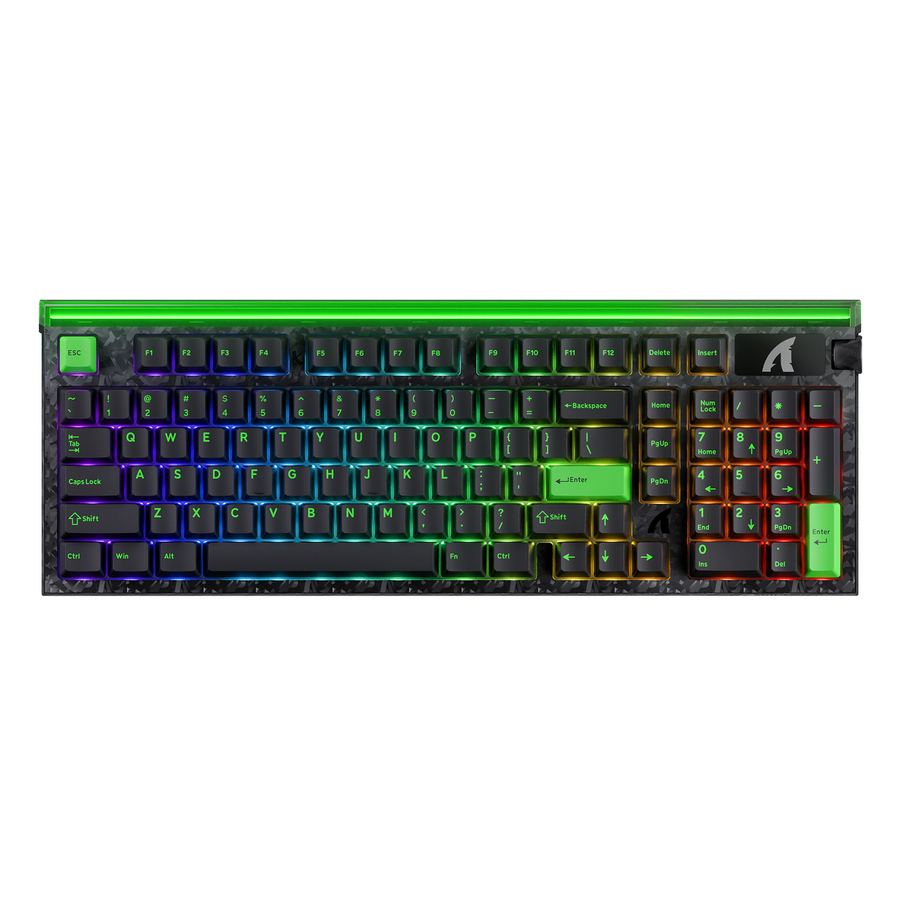
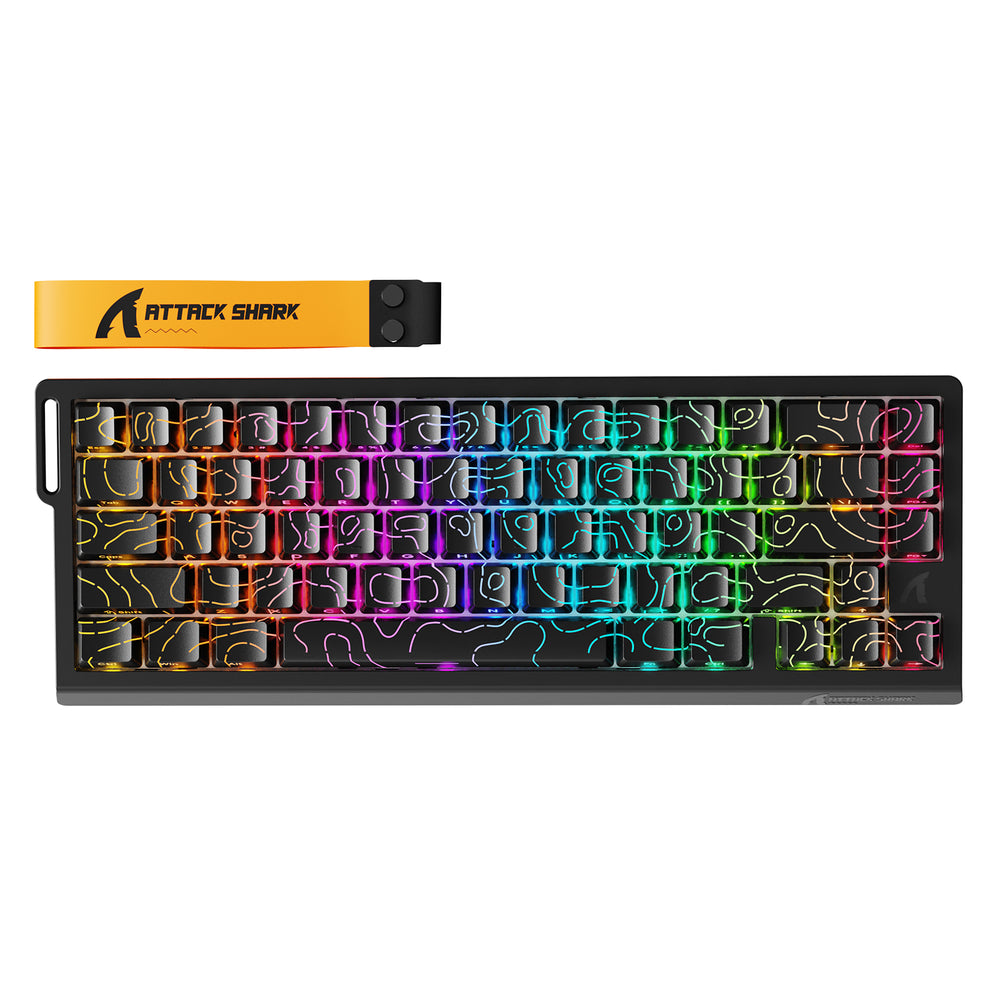
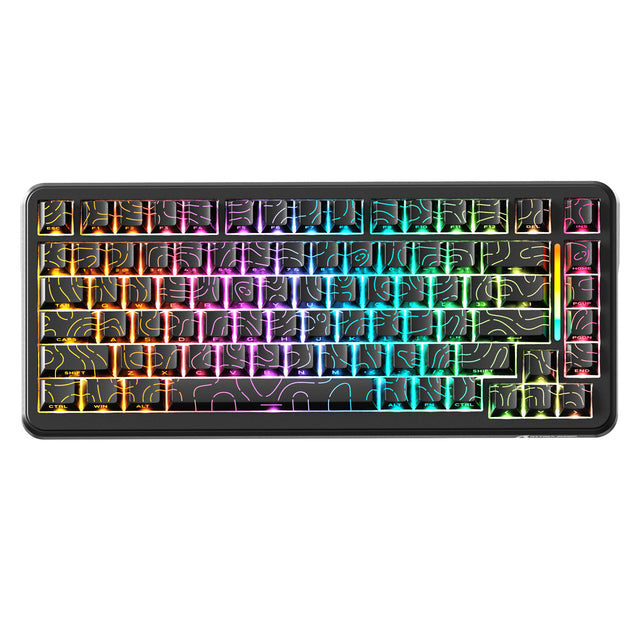
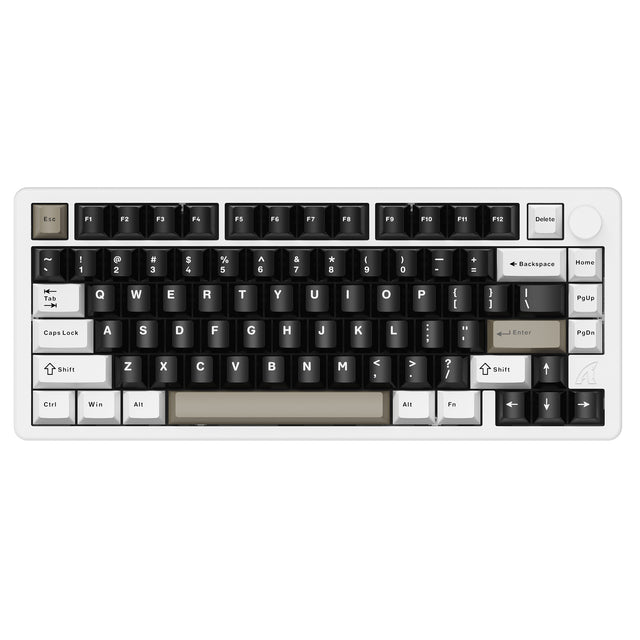
Explore mechanical and magnetic-switch gaming keyboards in Pakistan, from compact layouts to full-size boards.
Products in this collection
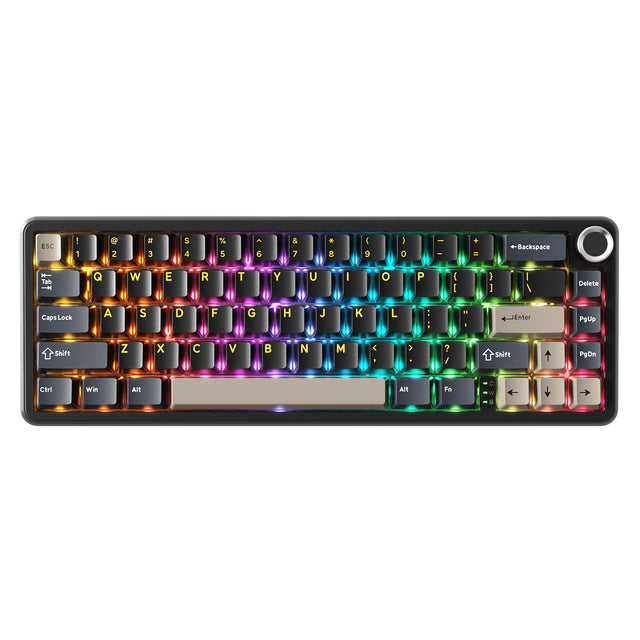
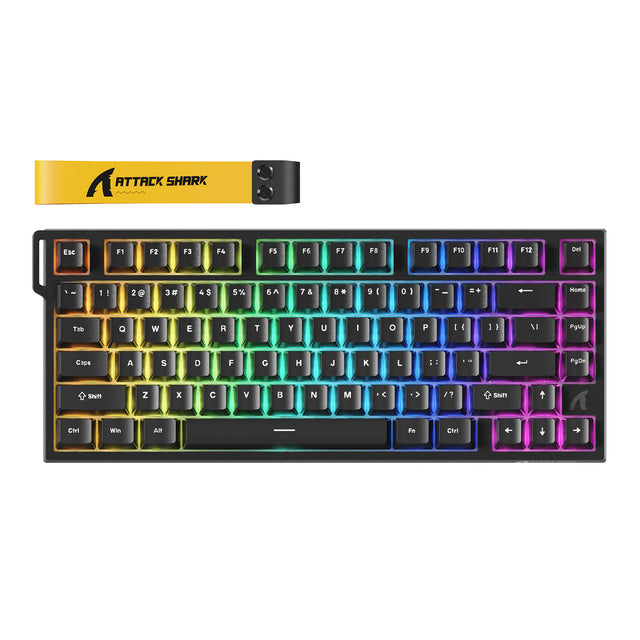
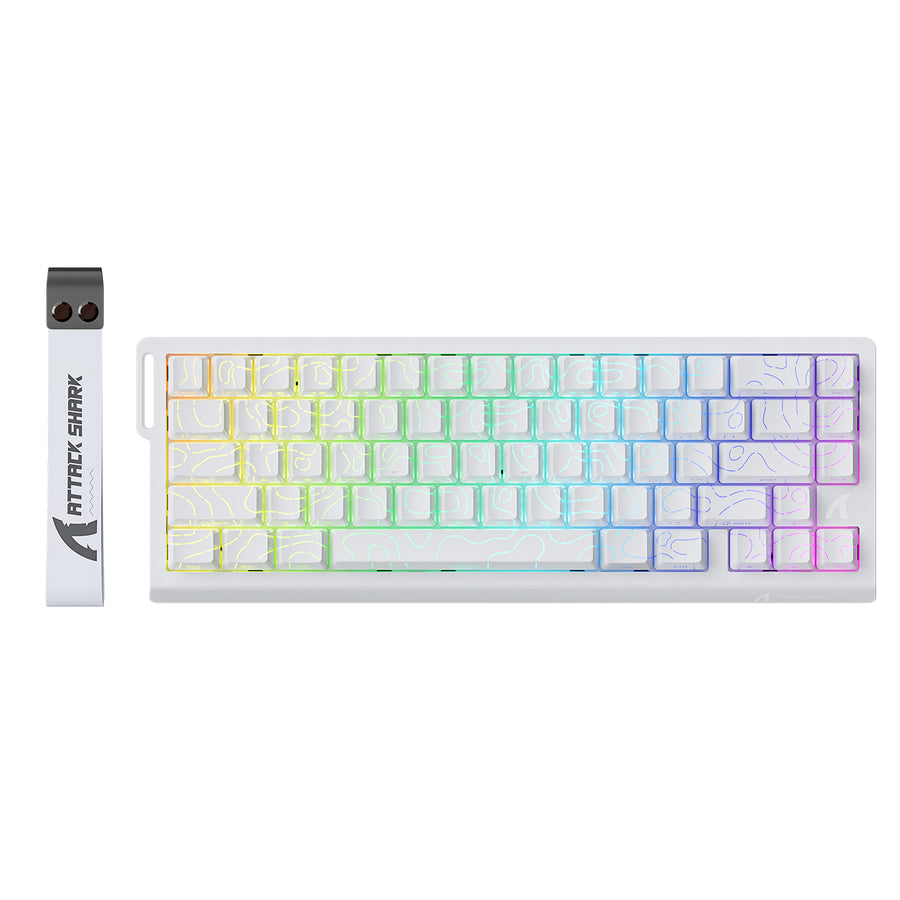
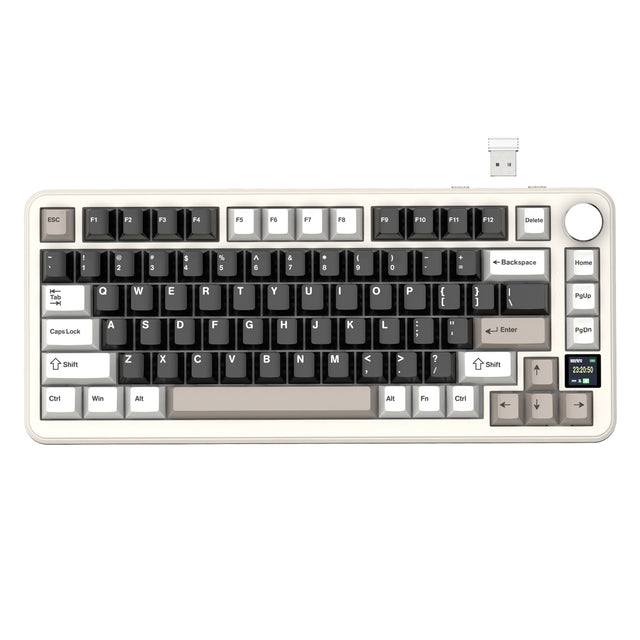
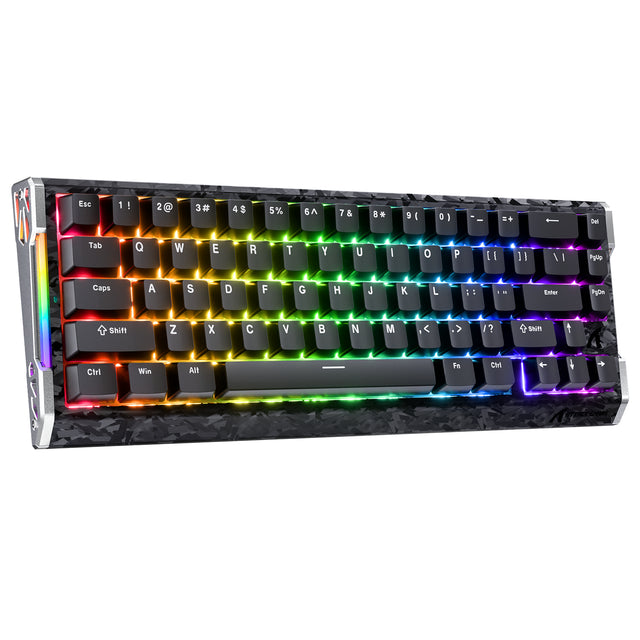
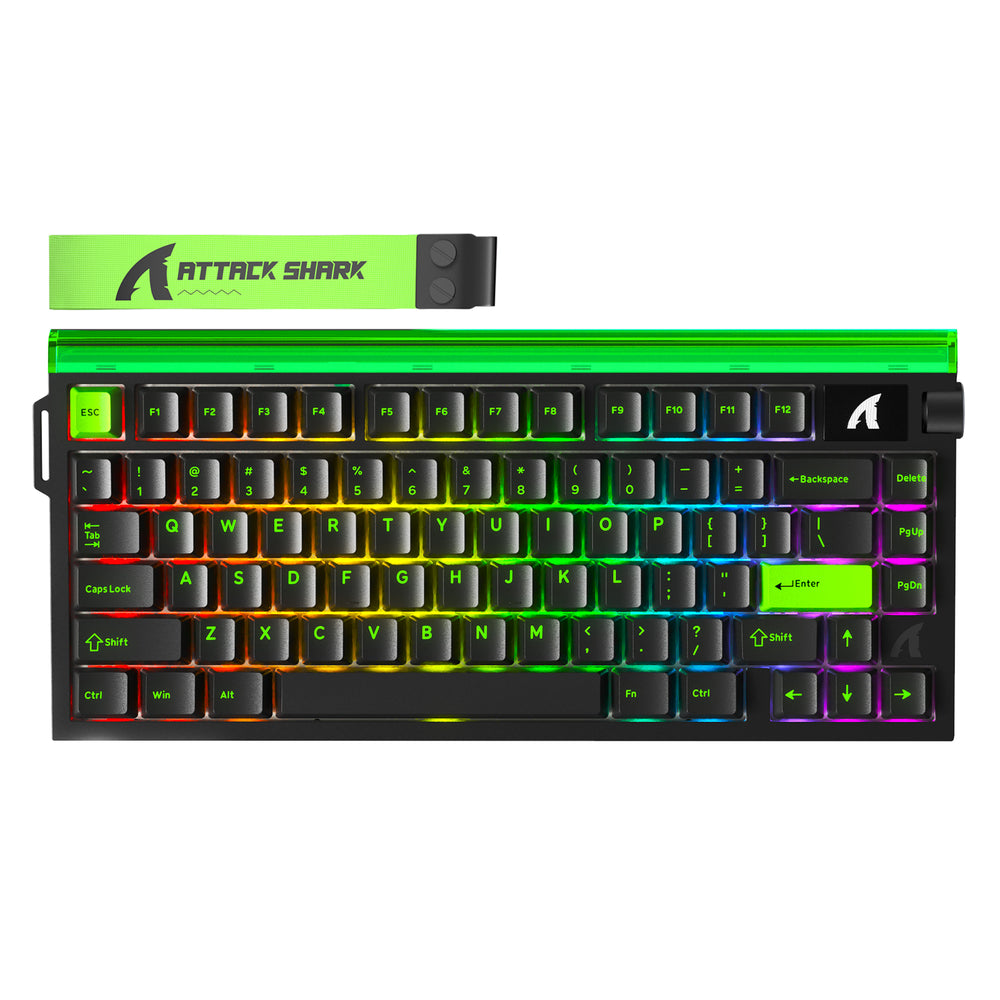
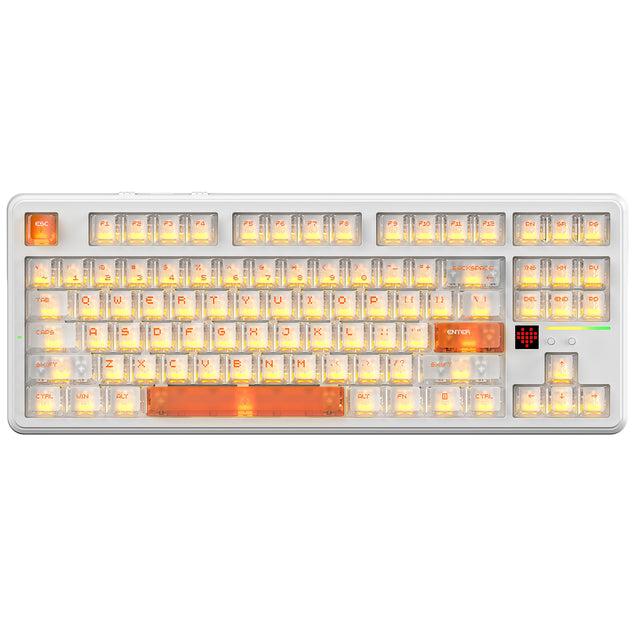
FAQ about Gaming Keyboards
How do I choose a keyboard layout?
Choose a full-size layout for a dedicated number pad, or a compact layout if you want more room for your mouse. Check the product photos and specifications for the exact keys on each model.
What is a Hall effect keyboard?
Hall effect keyboards detect key travel with magnetic sensors. On compatible models, this enables adjustable actuation and Rapid Trigger. Check the specific product for supported controls.
Can I replace the switches?
Check the technical specifications for hot-swap support and compatible switch types. Mechanical and magnetic switches use different sensing systems and require compatible sockets.
What features distinguish a gaming keyboard?
Depending on the model, features include dedicated gaming modes, configurable lighting, remappable keys, or adjustable actuation. Compare the features you will use on the product page.
What affects the price of a gaming keyboard?
Switch technology, the case material, wireless support and features such as a display or knob can affect the price. Use the collection’s price sort to compare current local prices.
What kinds of gaming keyboards can I compare?
Start with the switch technology, physical layout and connection. The collection includes mechanical and magnetic models in several sizes, with wired or wireless options depending on the model.
Can I use a gaming keyboard for work?
Yes. Choose a layout with the keys you use often and a switch feel and sound that suit your workspace.
What should I prioritize when buying a keyboard?
Consider desk space, your preferred switch feel, connection options, and whether you need software features such as remapping or macros.
What keyboard layout do the product photos show?
Check the product images and specs for the exact edition. Many models use US ANSI key placement and QWERTY legends.
Where can I download keyboard software?
Find your exact keyboard model on the official downloads page to see available drivers and manuals. Find drivers and manuals
What can I try if a key misses presses or responds slowly?
Try another connection mode and test the key on another device. With the keyboard disconnected, clear any debris around the key. Check the manual before reseating or replacing a switch. Contact support
What switch feels can I choose from?
Linear switches move smoothly through the press, tactile switches have a noticeable bump, and clicky switches add an audible click. Check each model for its installed switch or magnetic switch options.
What if my keyboard’s 2.4 GHz receiver is unresponsive?
Verify the keyboard is in 2.4 GHz mode, try a direct USB port, and follow the model’s pairing instructions. Test on a second device if the connection still fails. Contact support
Why do the typed symbols differ from the keycaps?
Check the input language and keyboard layout selected in your operating system. A regional layout can map punctuation differently from the legends on a US QWERTY keyboard.